Features Video AI Smart Gems How it works Sign up Open App
Family using SAAS AI
🎬Video Generation 👕Virtual Try-On 🎨Image Generation 🖌️Photo Style 💬AI Chat 🖼️Photo Restoration ✂️BG Remover 📄OCR Scan
Now with AI Video Generation

One AI app for your whole family — chat, create, and imagine

SAAS AI brings multi-model chat, AI image editing, and AI video generation together in one private app built for your family — free tools included, paid tools unlocked by request.

New accounts are reviewed before activation
Family-first, private accounts
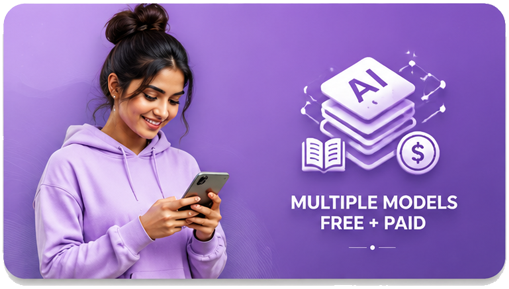
Multiple AI models, free + paid
AI photo & video generation
Admin-approved accounts
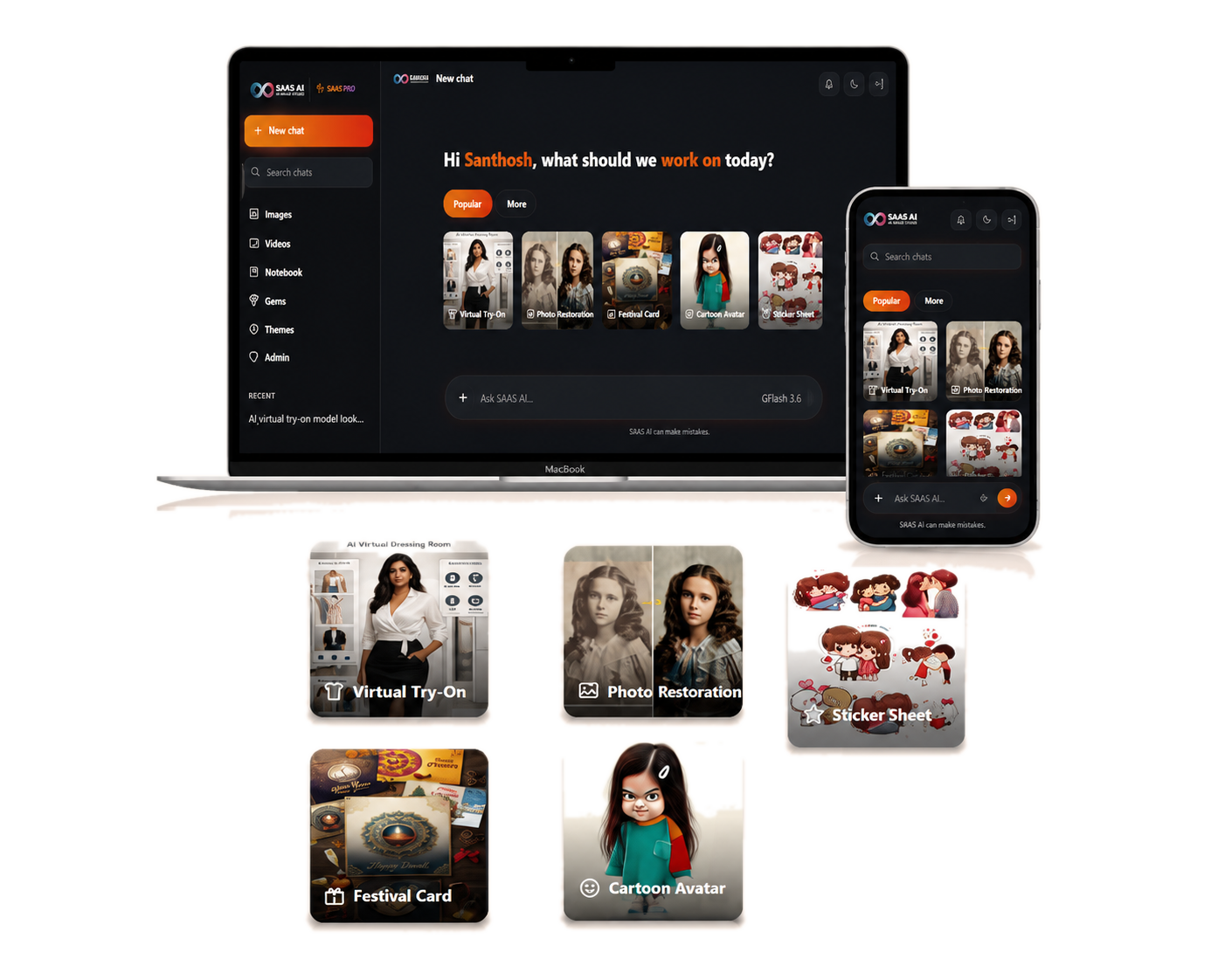
SAAS AI Popular tools shown on laptop and phone
See it in action

Your family's most-loved tools, one tap away

The same "Popular" row shows up right inside the chat on desktop and mobile — no digging through menus, no separate apps, just tap and go on whichever screen you're using.

Virtual Try-On Photo Restoration Festival Card Sticker Sheet
Open Web App
What's inside

Everything your family needs from AI, in one place

Every tool below lives in the same chat window — no switching apps, no separate logins.

Multi-model AI Chat

Multi-model AI Chat

Fast free models for everyday questions, powerful paid models when you need them.

Try now
NEW AI Video Generation

AI Video Generation

Turn a text prompt into a short AI video in three quality tiers.

Try now
AI Image Generation

AI Image Generation

Describe any picture and get it generated in seconds, from a text prompt.

Try now
Virtual Try-On

Virtual Try-On

See how an outfit looks on you before you buy it — let AI do the fitting.

Try now
Flagship feature

Describe it. Watch it become a video.

SAAS AI's newest tool turns a simple text prompt into a short AI-generated video, powered by Google's Veo models. Pick the tier that fits — from quick everyday clips to full 1080p quality.

⚡ Lite — quick & light 🚀 Fast — balanced 🎞️ Standard — best quality
Quick helpers

Smart Gems — one tap for everyday tasks

A growing library of ready-made AI helpers, tuned for real family life.

Getting started with SAAS AI
Getting started

How it works

Three simple steps and your whole family is chatting, creating, and generating with AI — no separate logins, no complexity.

1

Create your account

Fill in your name, email, and a password below — takes under a minute.

2

Wait for approval

An admin reviews and activates every new account, so the app stays private.

3

Start creating

Log in, open any tool, and start chatting, generating images, or making videos.